
Baby Cards Smart Lock
Visual Cards for Babies, First Words for Toddlers
Baby Cards Smart Lock shows your baby the pictures their eyes can actually see right now — bold black-and-white patterns for a newborn, color and detail as they grow. Hand the phone over with the smart lock on and it stays a picture book: taps, swipes and grabs can't exit the app, open your notifications or change a setting.
Built by a dad for his son. Later on, the cards can also print and speak what they show, so the same deck turns into first words.
A look inside the app
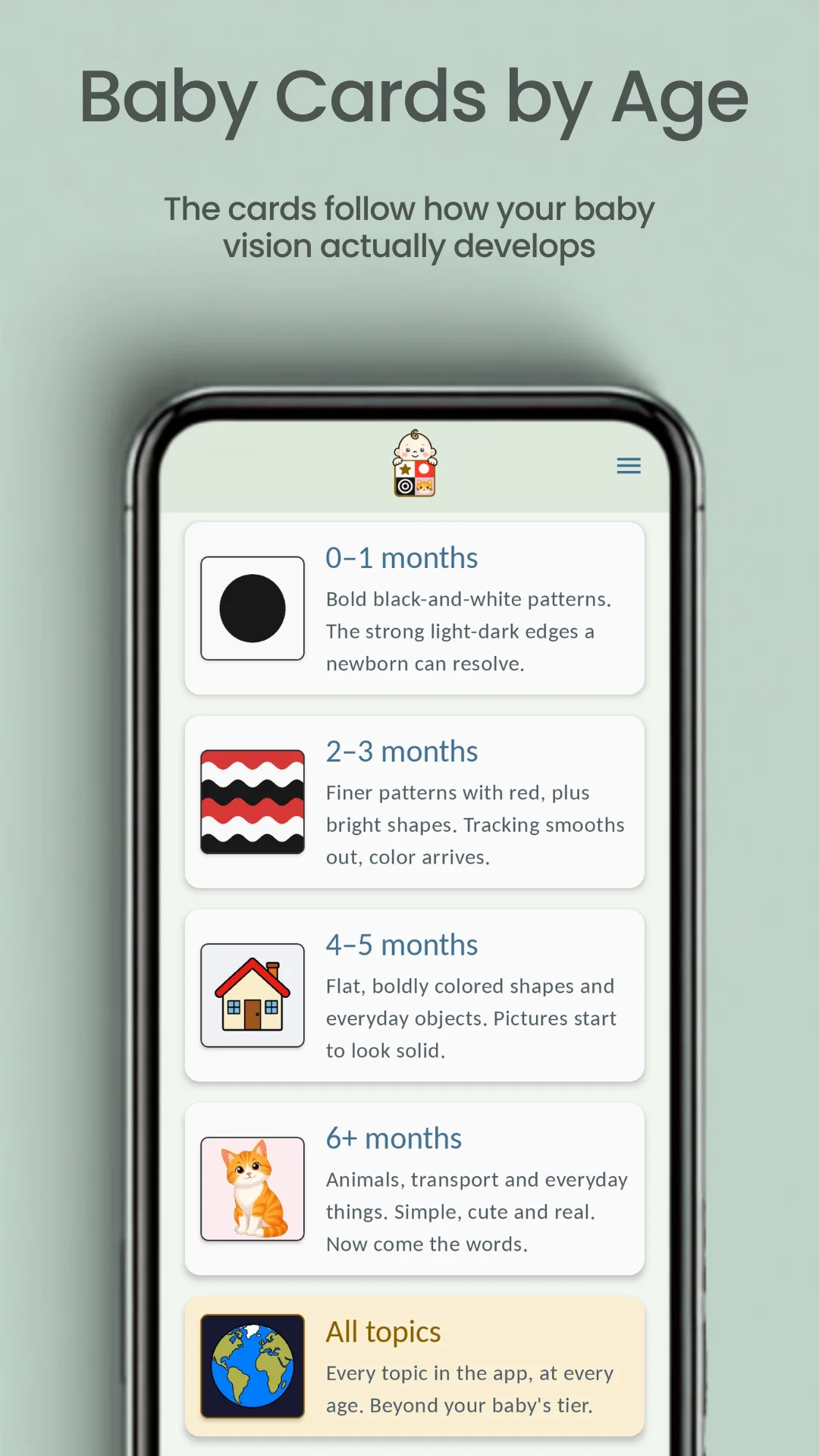
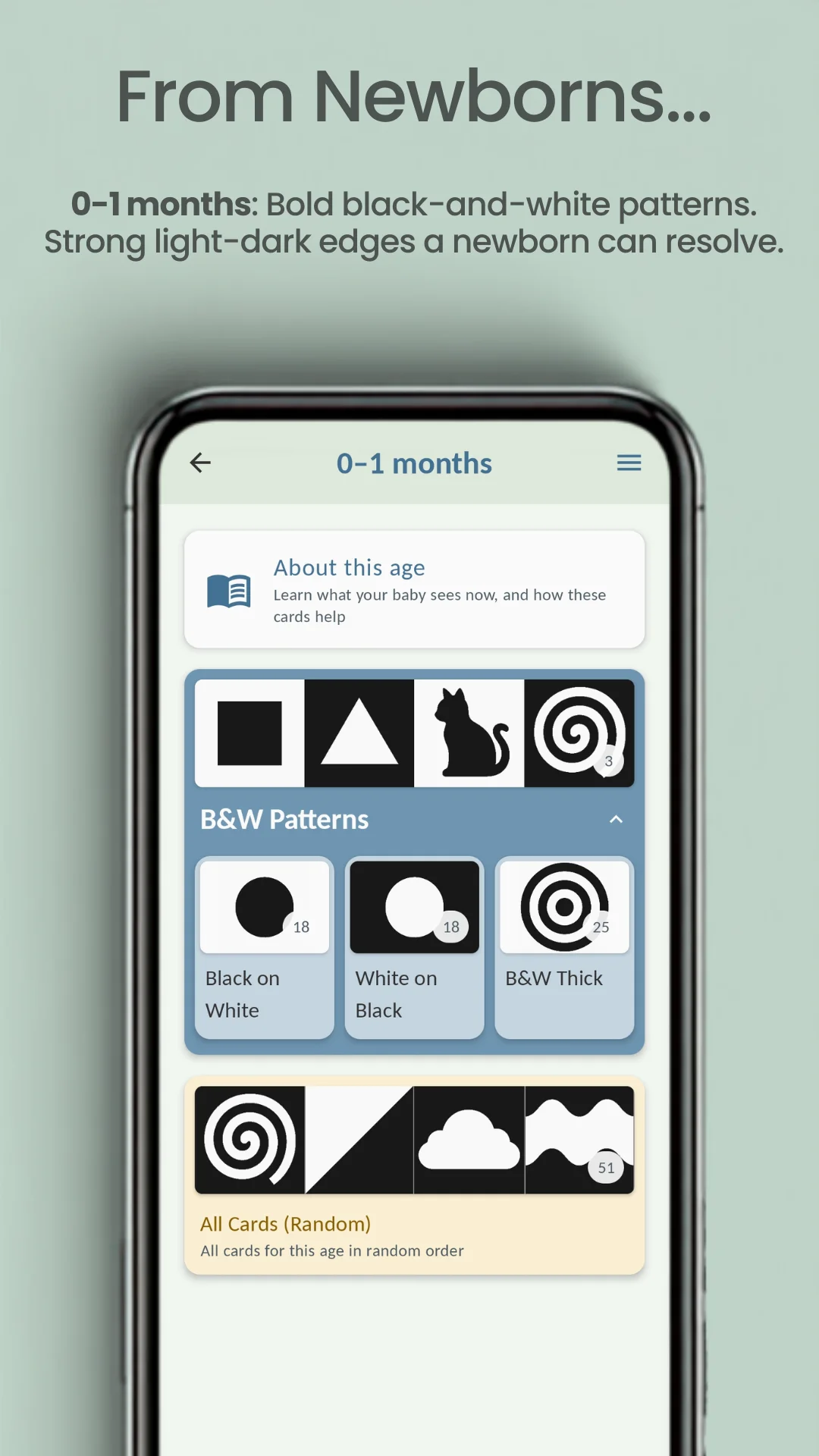
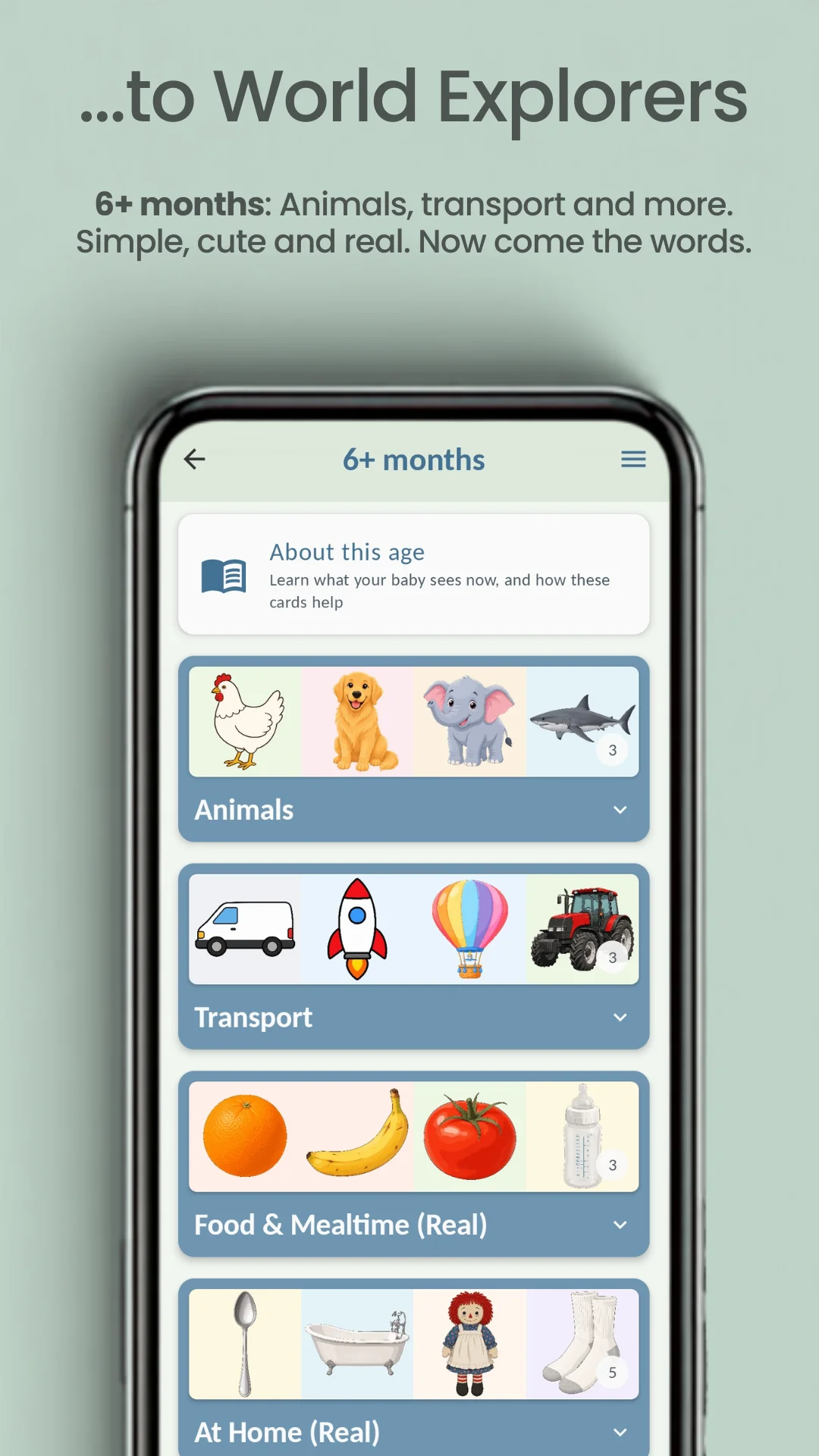
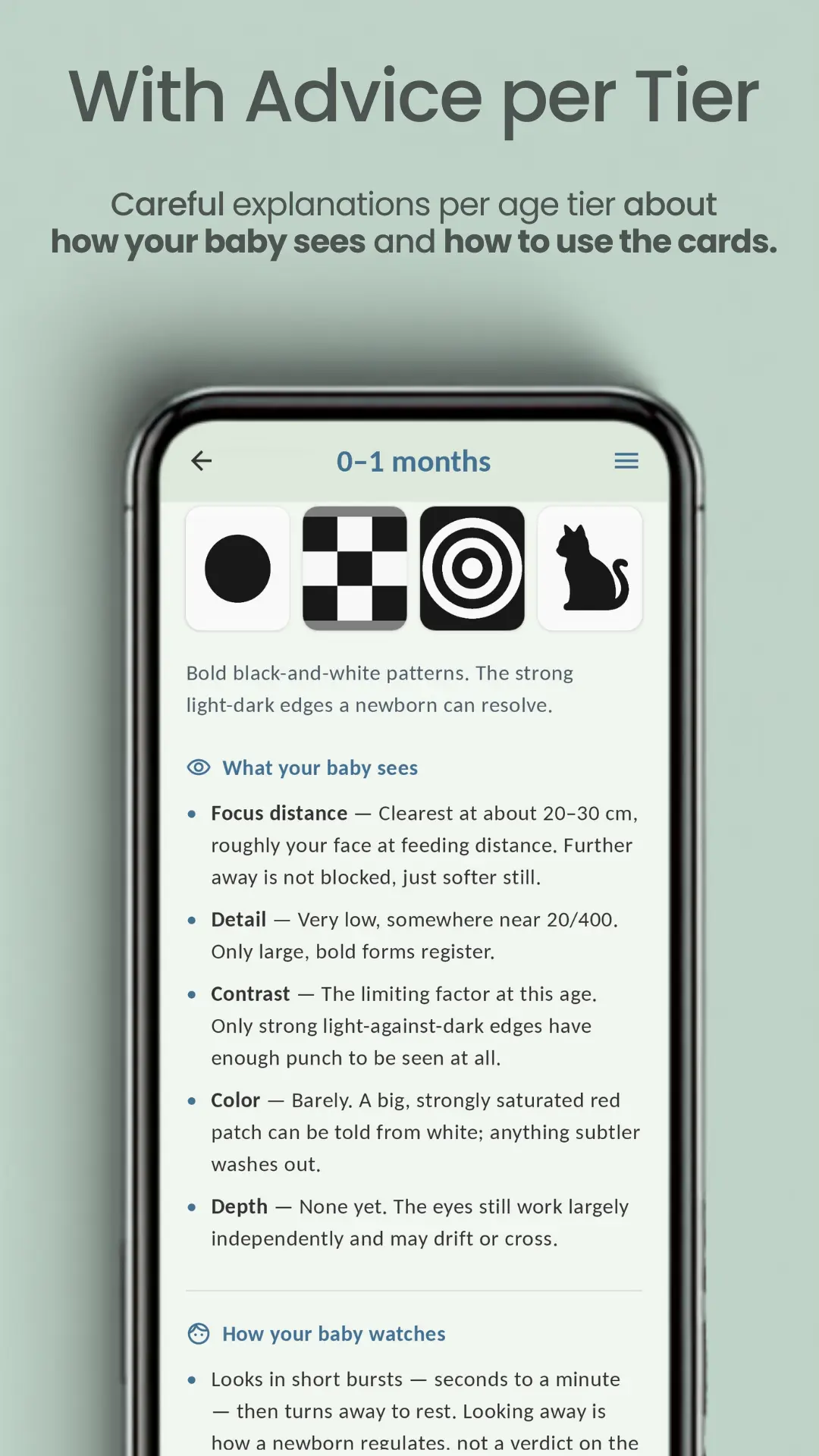
Screenshot 1 of 8: Cards by age
Smart Lock
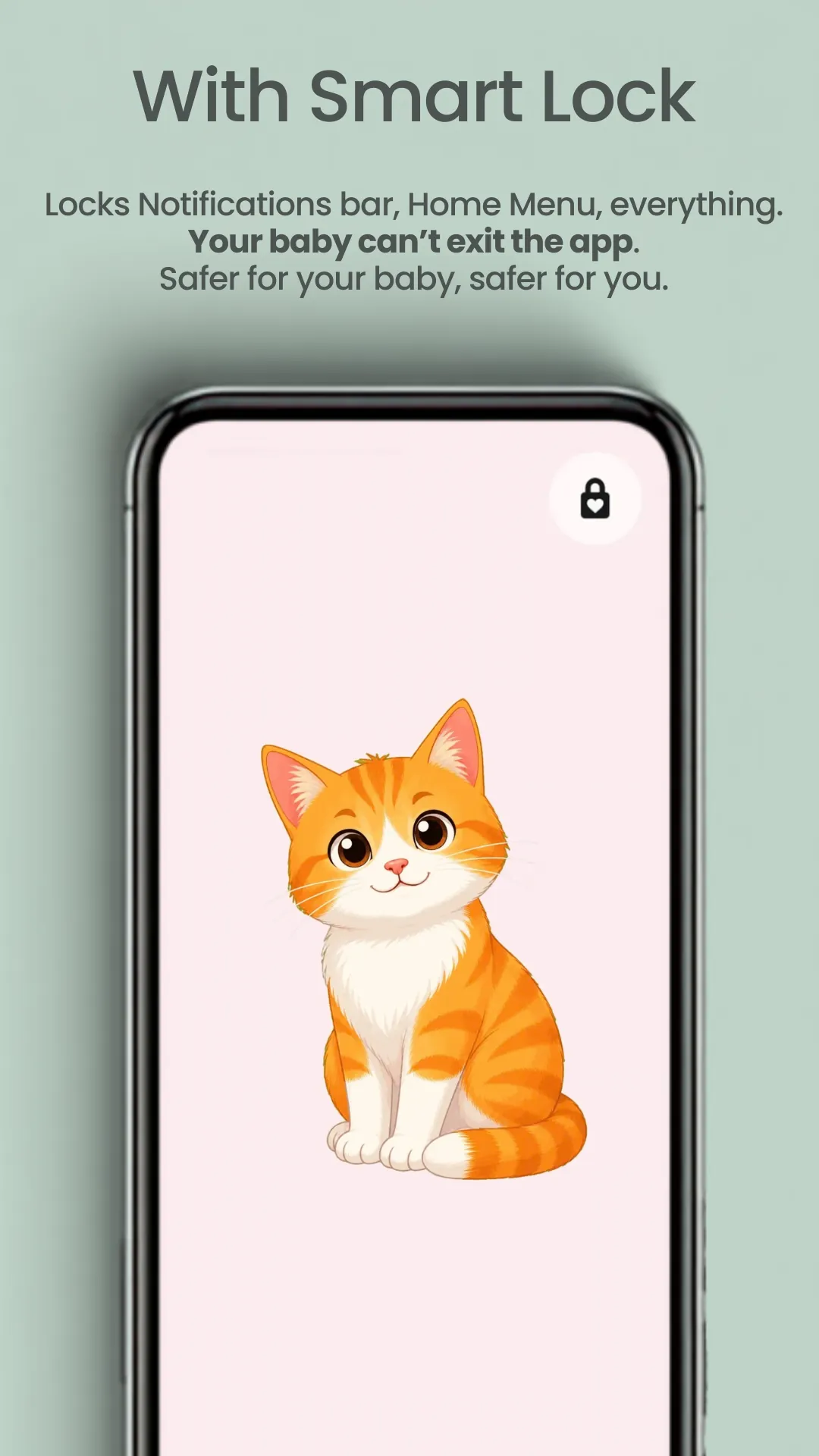
With Smart Lock on, your baby cannot leave the app. Taps, swipes, the back gesture and the volume keys are all blocked. Safer for your baby, safer for you.
No leaving the app by accident
Touches stop at the card. Notifications stay shut and the menu buttons do nothing. The phone becomes a harmless book of cards until you unlock it yourself.
One grown-up gesture to leave
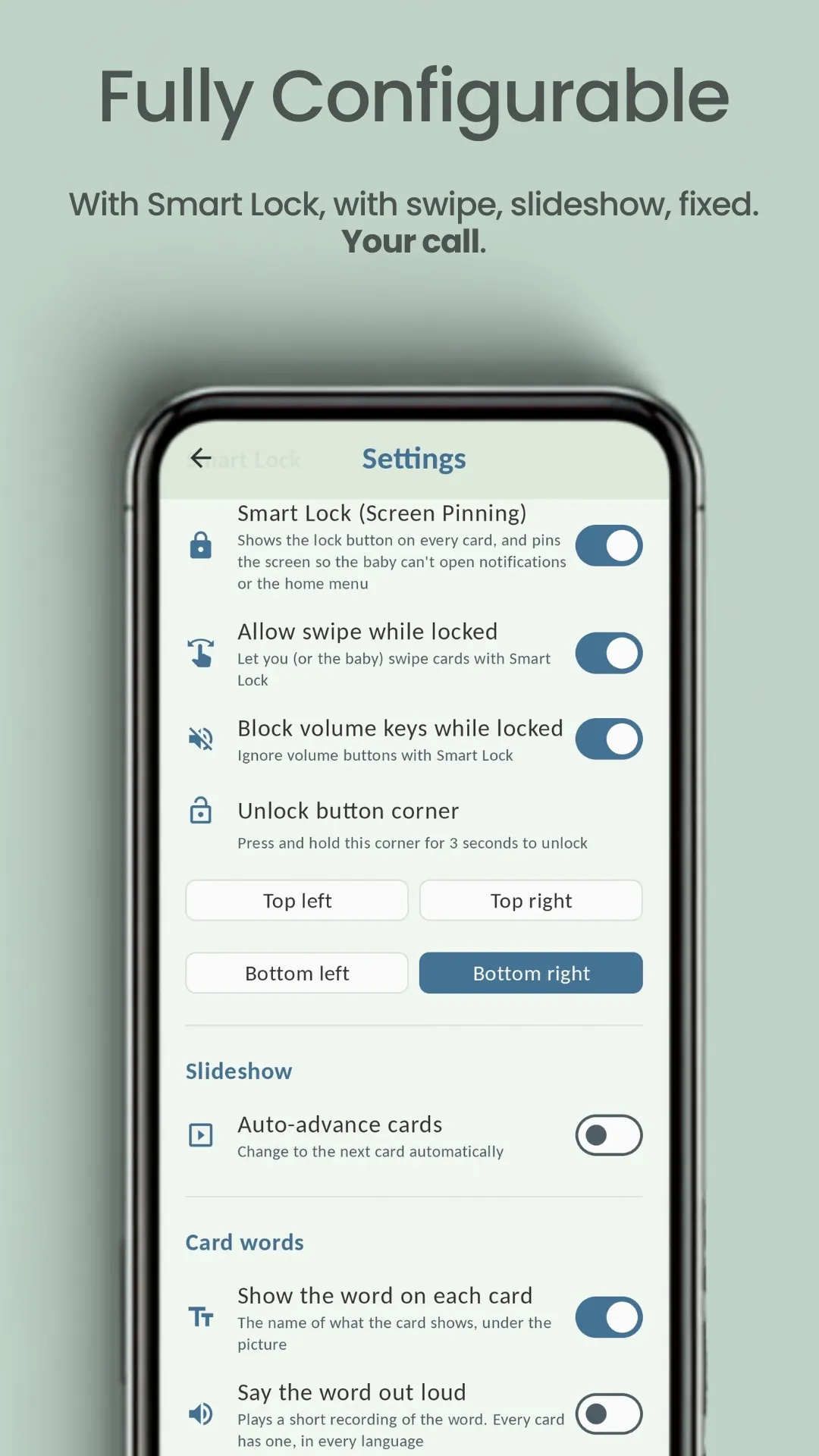
Unlocking is a long press held in a screen corner you choose — easy for a parent, out of reach of a baby's palm. There is no code to remember and nothing to type.
Swiping stays yours to allow
If you want your baby to change the card themselves, switch on the one setting that lets a horizontal or vertical swipe through — everything else in the lock stays exactly as it was.
Silent by default
No music, no chimes on a card change, and nothing that flashes or strobes. Transitions are slow and gentle on purpose. The only sound the app can make is a card's own word, and only once you switch that on.
And then, when they are ready, the words
Off by default, so a first session is the picture and nothing else. Switch them on and the same deck becomes a first-words deck — which is what carries this app well past six months, into the years a small child is naming everything in sight.
The word under the picture
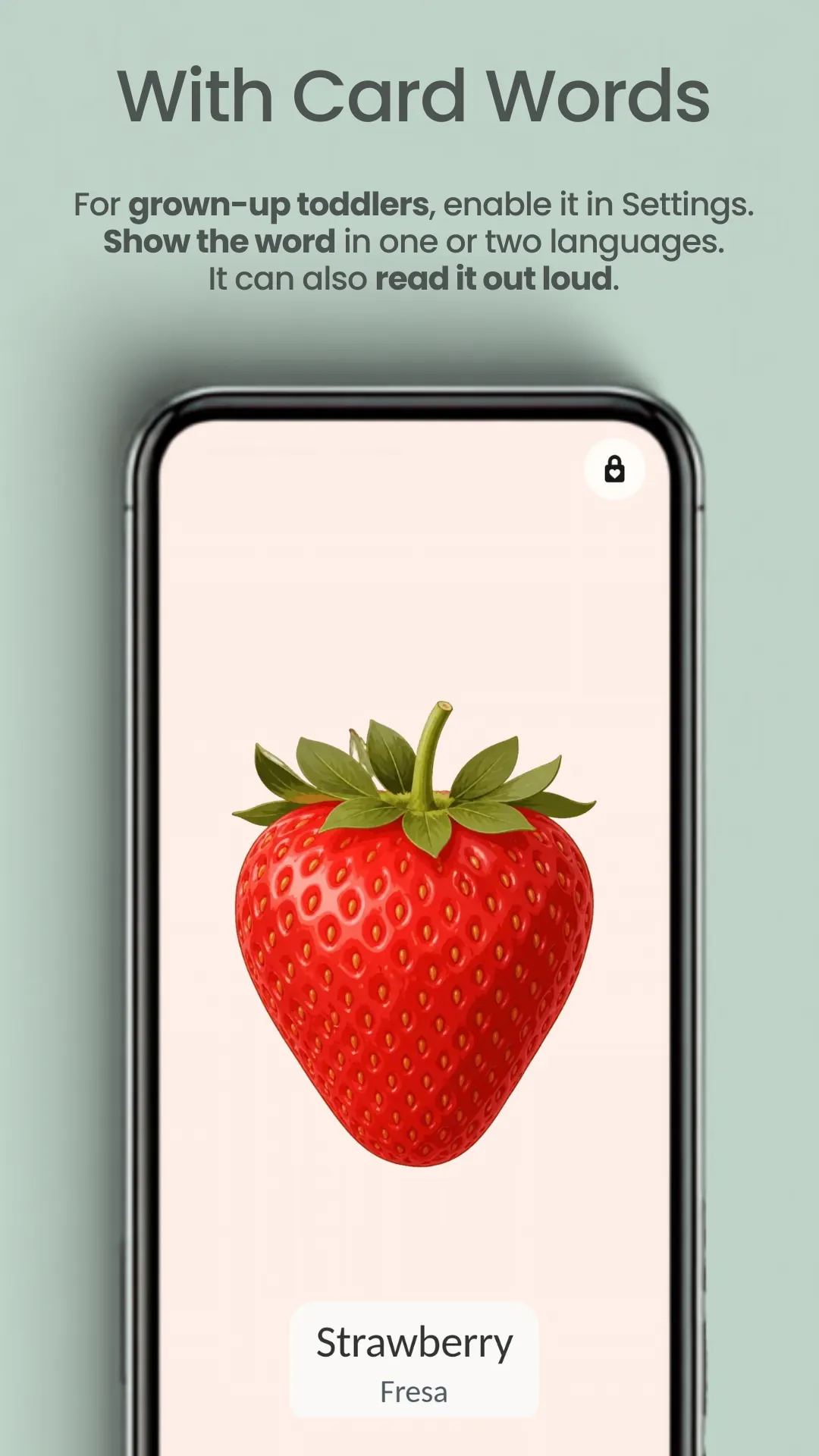
The name of what the card draws, printed beneath it — in one language or in two at once. The card languages are set apart from the app's own.
And said out loud
Every word is recorded in all nine languages. Printing the word and saying it are two independent settings, so you can have it say the word without writing it, the other way round, or both at once.
You choose when it arrives
With the card, after a pause you set, or only when the screen is tapped — and that tap keeps working while the lock is on. It is all in settings, free for a day from the first time you switch it on.
Cards matched to the eyes looking at them
Pick your baby's age and the app shows the card topics that suit it. Each age also carries a short, plain-language page on what your baby can see right now and how to use the cards well.
0–1 months
High-contrast black and white
Black-and-white patterns. The high-contrast edges a newborn can see.
2–3 months
Finer patterns, and color
Finer patterns with red, plus bright shapes. Eyesight sharpens, color begins.
4–5 months
Shapes and simple pictures
Flat, boldly colored shapes and everyday objects. Some detail comes through.
6+ months
Simple, cute and real
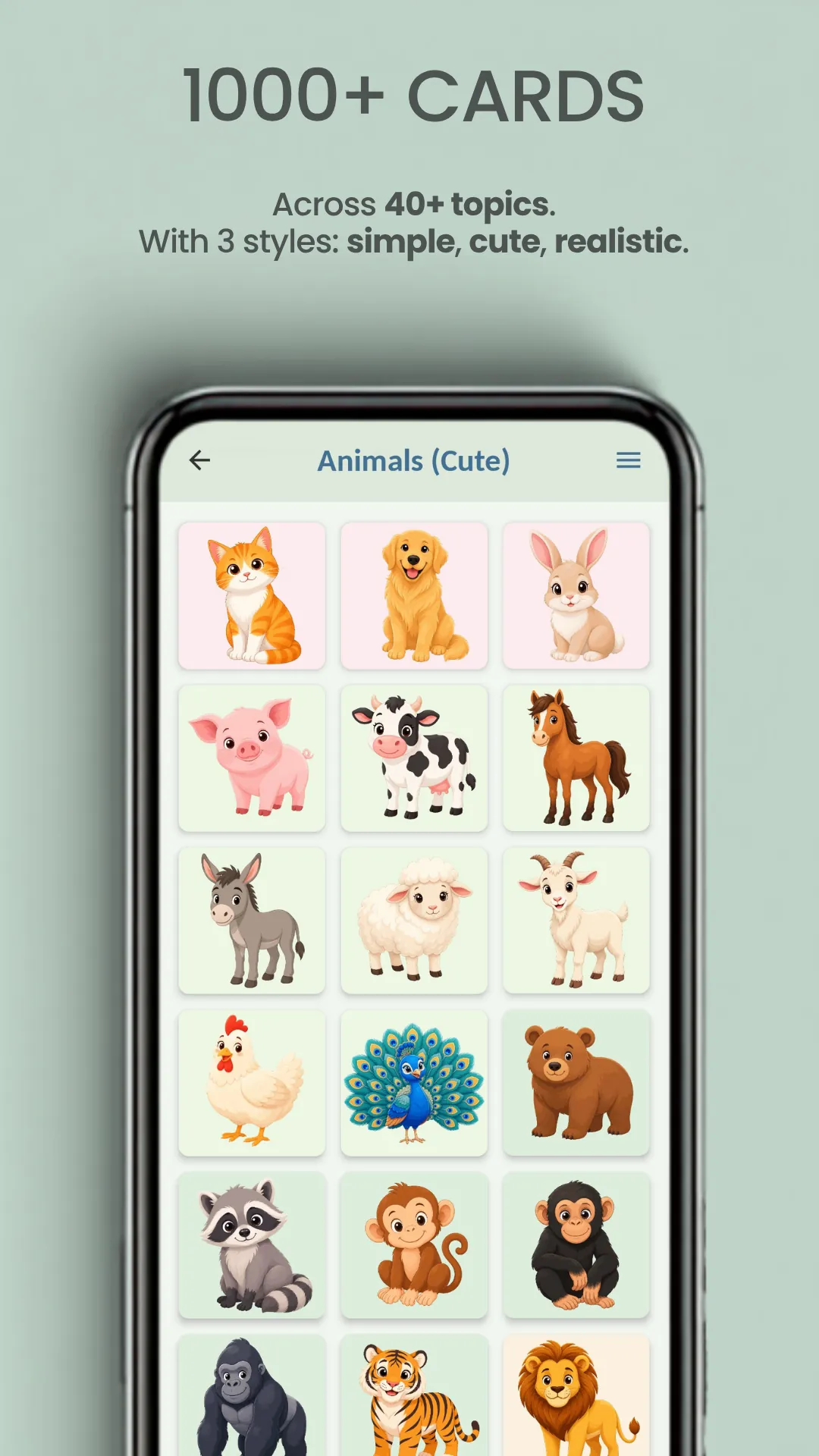
A whole world to discover, in detail and in several styles. Name each card.
Nothing is watching you or your baby
Not a marketing line — it is how the app is built.
No tracking, no accounts
No analytics, no advertising id, no sign-up, and nothing collected about you or your baby. There is no server holding anything, because there is no server.
Works offline
Every card ships inside the app. Browsing and viewing need no connection at all — put the phone in airplane mode and nothing changes.
Nine languages
English, French, German, Hindi, Italian, Japanese, Korean, Portuguese and Spanish. The app uses your device's language, but you can change it in settings.
You can try every card topic free
Every topic opens with a handful of free cards, so you can see how your baby responds before deciding anything. Unlocking the rest is a single small payment — one payment, yours forever, and it covers the words on the cards too — or you can open a topic by watching an ad, only ever when a grown-up asks for one.